Apps: How to create a 360° panorama
Combine room photos into a 360° panorama with the Panorama 360 App. Use up to four views from the same position, add any instructions, then inspect the stitched result.

Combine room photos into a 360° panorama with the Panorama 360 App. Use up to four views from the same position, add any instructions, then inspect the stitched result.
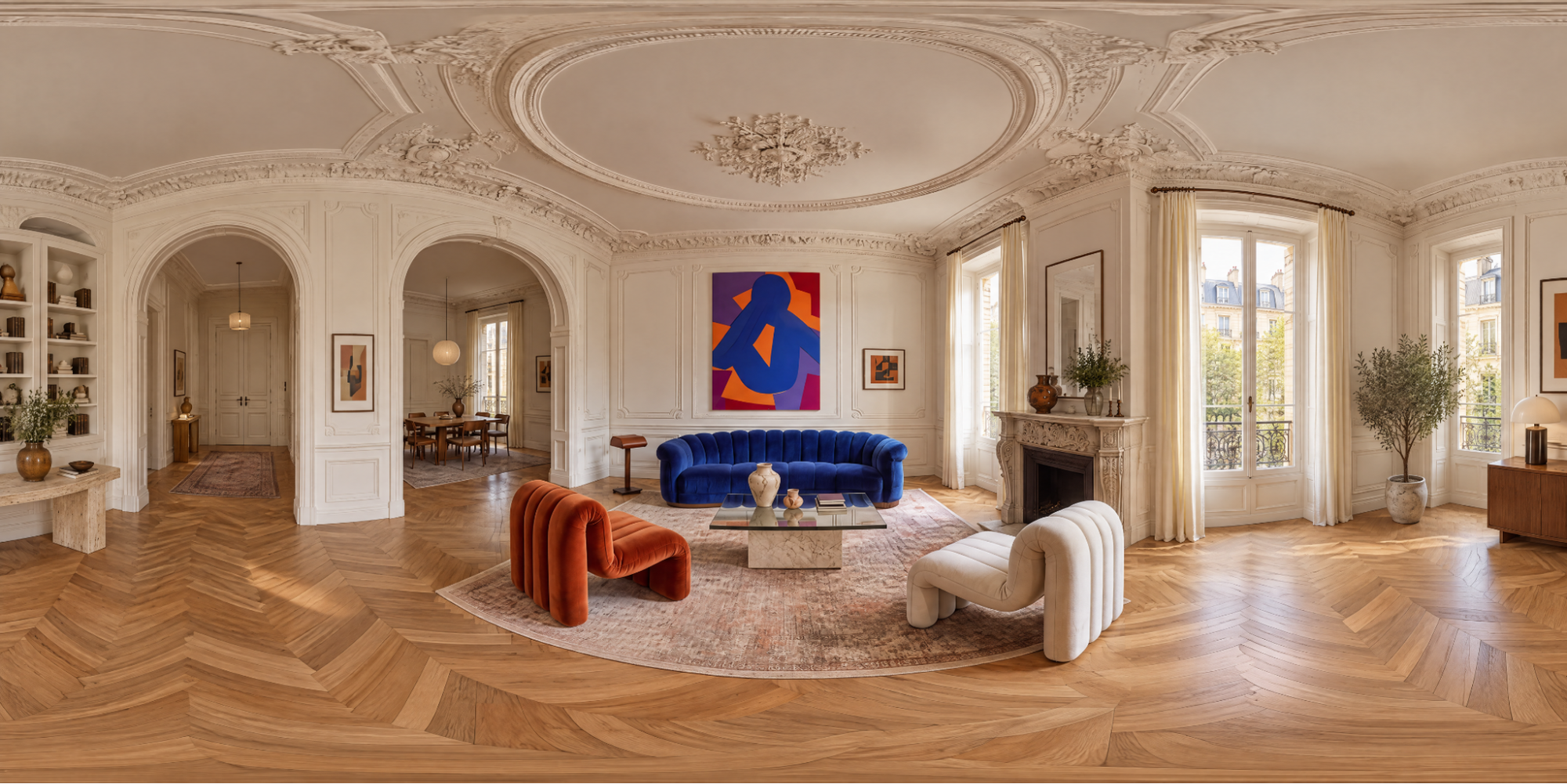
01 — Open Panorama 360 and upload your photos
Open Apps and select Panorama 360. Upload up to four JPEG, PNG, WebP or HEIC photos taken from one position and facing different directions. Use views of the same room so the app has consistent information to work with.
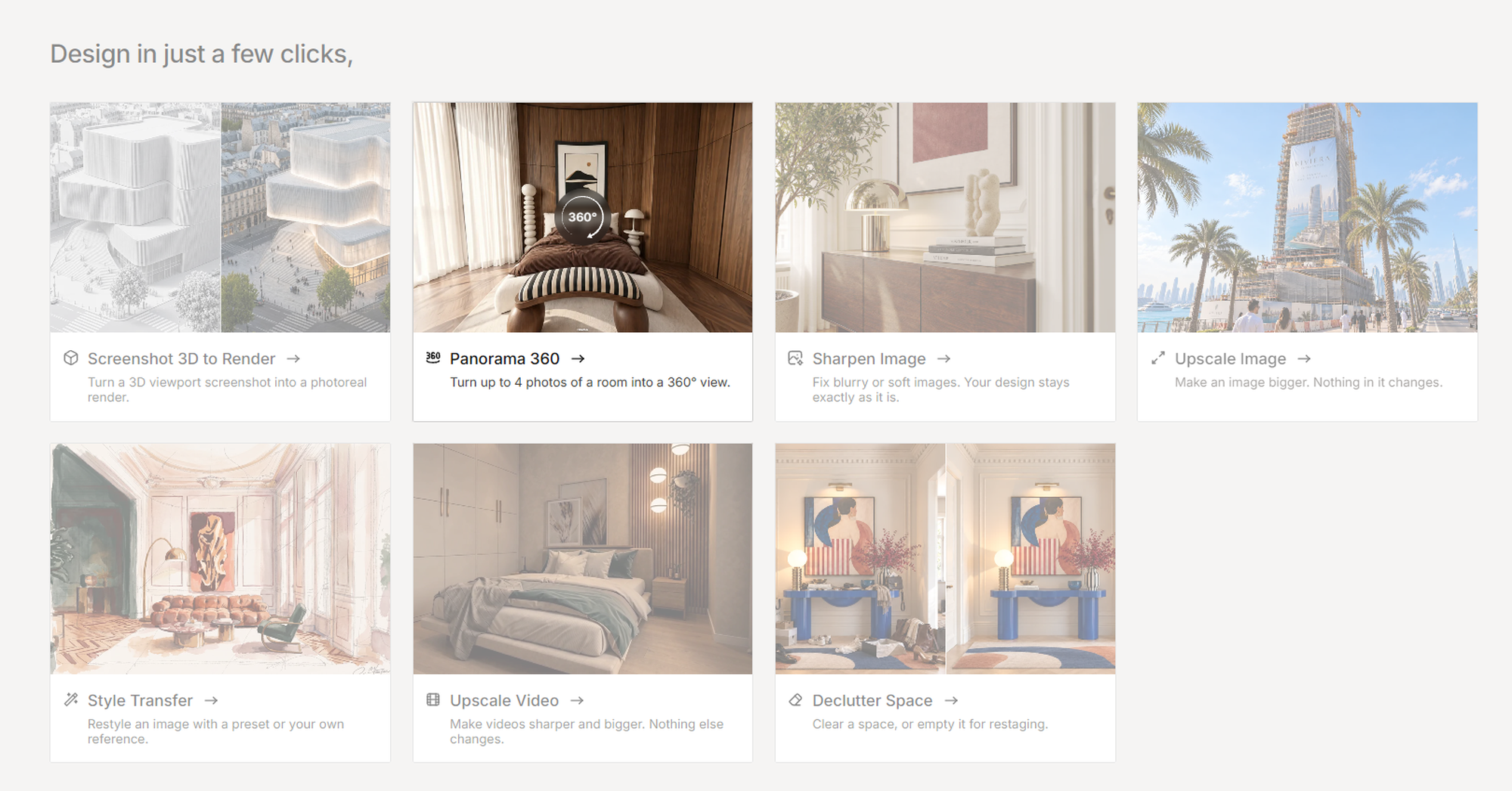
02 — Add optional instructions
Use Instructions (optional) to describe any preferences for lighting, style or areas that are not visible in the supplied photos. Keep your instructions consistent with the room shown.
03 — Create and inspect the panorama
Click Create Panorama. Check the result for visible seams, repeated objects, distorted furniture and unexpected changes to doors or windows.
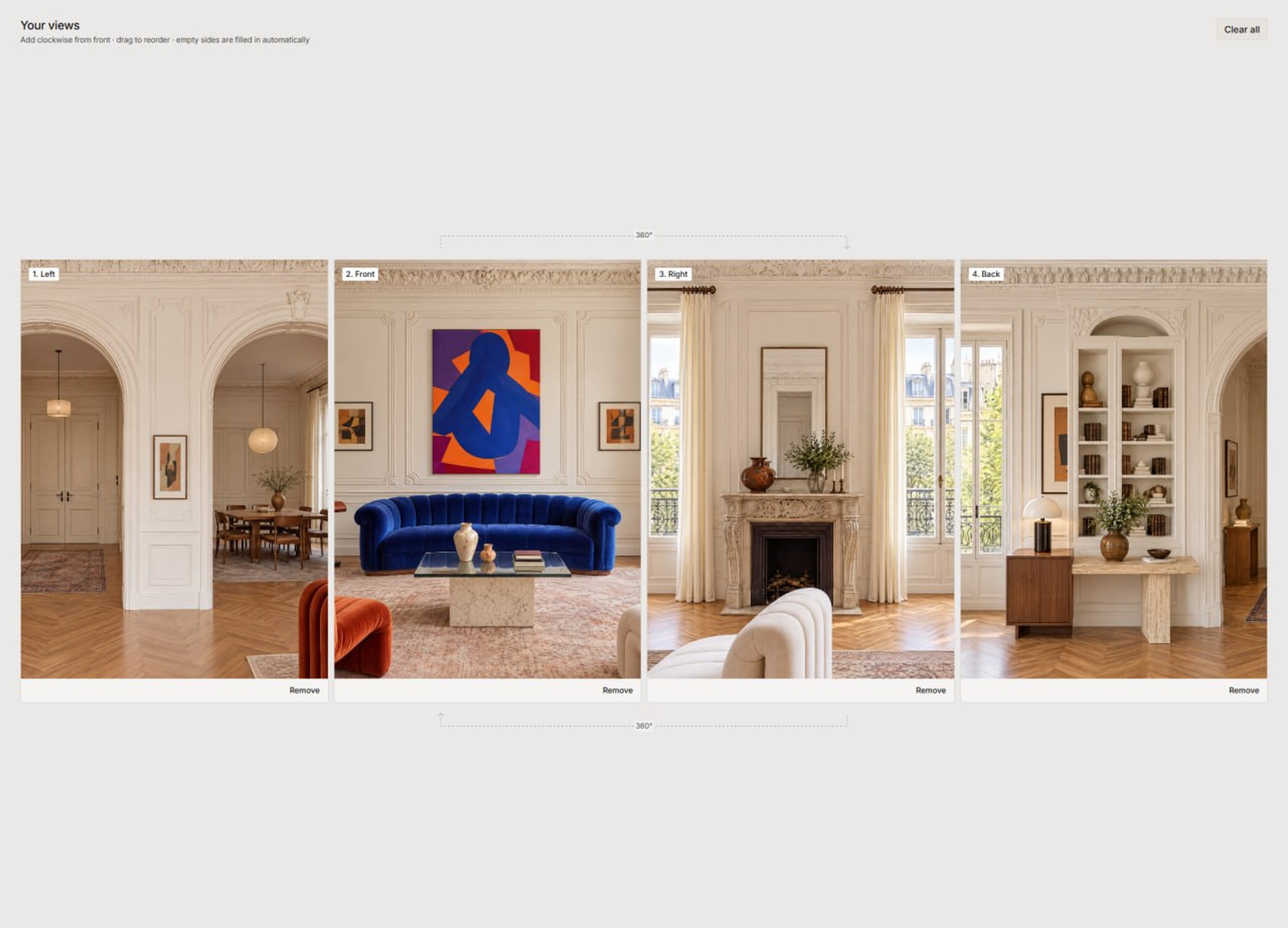
04 — Workflow at a glance