How-to
Guides
Practical steps to bring your ideas to life with FORMAS.AI.
All Guides
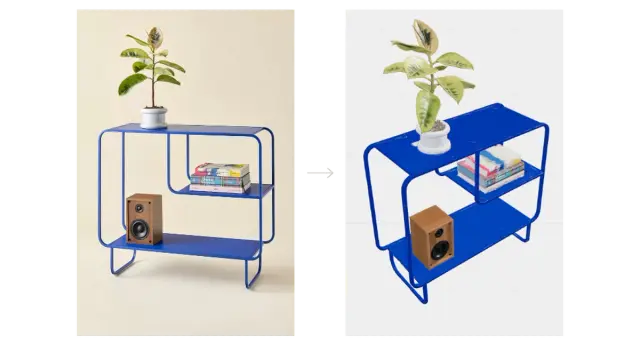
How to turn a furniture image into a 3D model
Turn a furniture reference image into a 3D model using Freeform Studio or Design Chat. Choose a conversion model, generate a first result, then check the shape and materials against your source image.
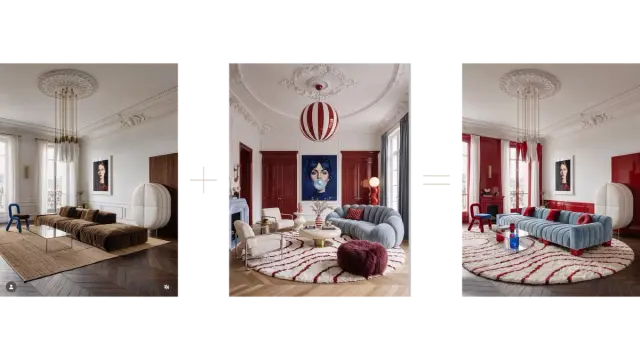
Mini Apps: How to restyle an image with Style Transfer
Use the Style Transfer mini app to explore a different visual style for an existing image. Choose a preset or upload a reference, add instructions for details you want to retain, and compare the result with your original.
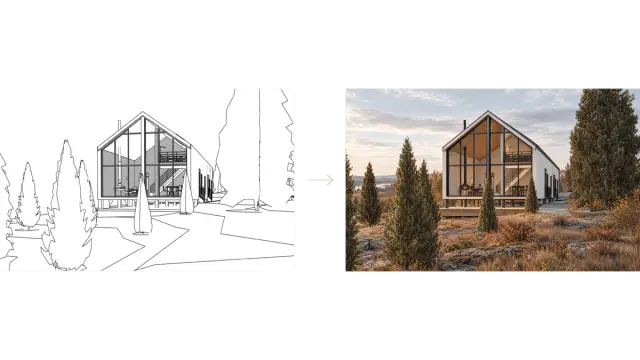
Mini Apps: How to render 3D model screenshots
Use the Screenshot 3D to Render mini app to turn model screenshots into architectural renders. Upload your views, choose an output size, and add a style reference or short instructions when needed.
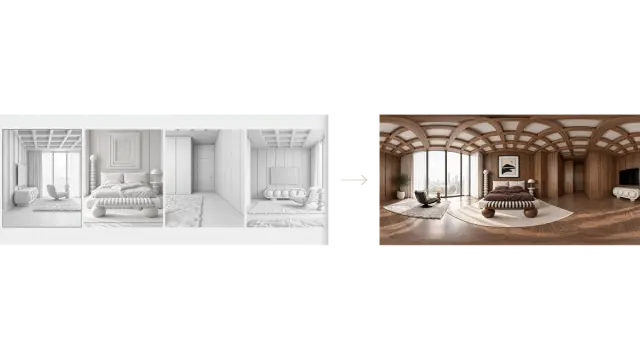
Create a Realistic 360° Panorama from 4 Images
Turn four views of the same room into a 360° panorama with FORMAS.AI. This example uses white renders, material references and Smart Notes to develop a consistent interior concept, then connects the views for panorama generation.
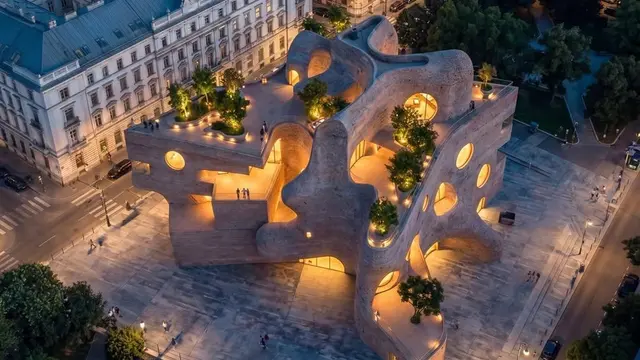
How to turn one architectural image into a short video
Use the Concept to Reality template in Video Shots to create a short architectural film from one image. Follow this example to upload your reference, review the template prompt, choose your settings and generate a 10-second video.
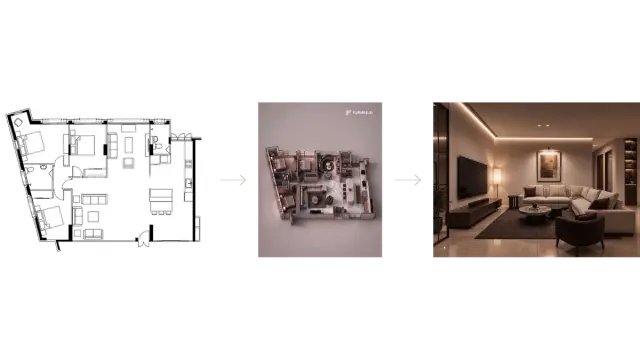
How to turn a floor plan into interior renders
Use a floor-plan image to develop a rendered plan and an interior perspective. Supply the materials and atmosphere you want, then check each generated view against the original layout.
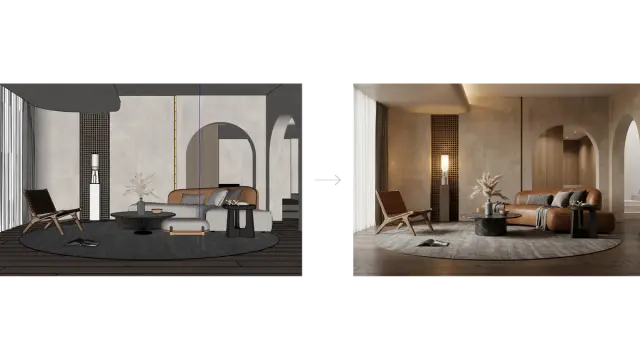
How to turn a 3D model screenshot into a realistic render
Turn a screenshot of your 3D model into a realistic architectural render. This example starts with a SketchUp view; you can also use a clear image exported from Rhino, Revit, Vectorworks or another modelling tool.
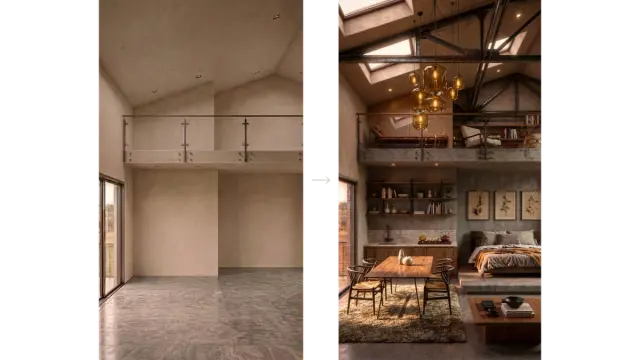
How to turn an empty room photo into a furnished interior
Upload an empty-room photo, describe the furniture and finishes you want, and generate a furnished concept. Then refine individual areas or add a specific furniture reference.
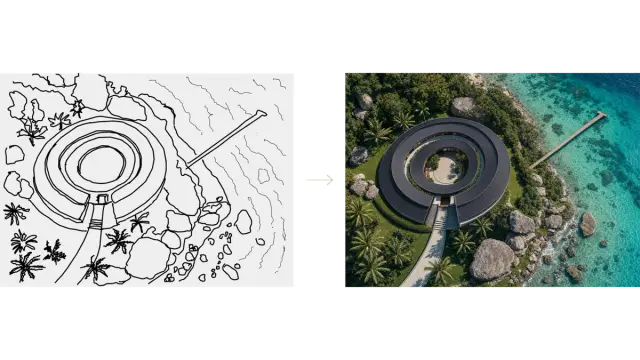
How to turn a hand sketch into a realistic visualization
Turn a sketch into an architectural visualization using Freeform Studio. Upload an existing sketch or draw directly on the canvas, add a few design notes, and generate a first result.
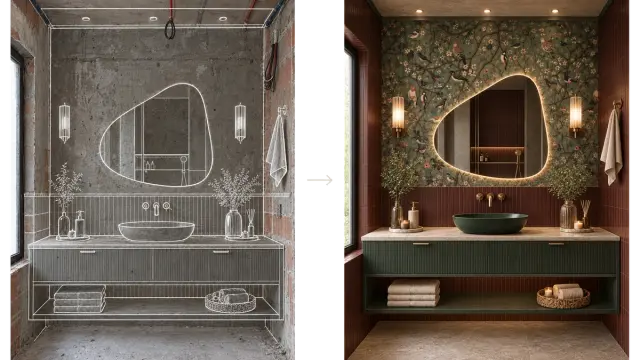
How to redesign a room by sketching over a photo
Sketch your design ideas directly over a room photo, then turn them into a realistic interior concept. This example develops an unfinished bathroom using a sketch, product references and Smart Notes.
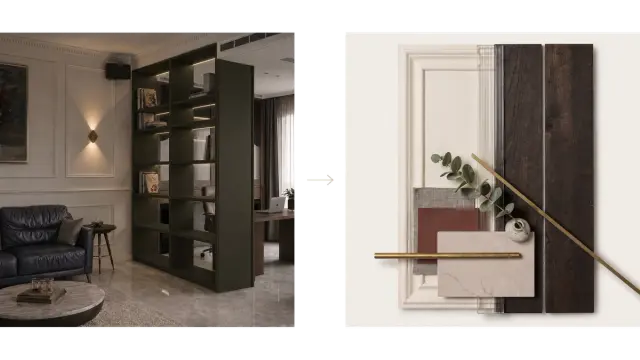
How to create a custom material moodboard template
Build a reusable style template that turns interior images into material moodboards. Start with moodboard references, test the template on a project image, and reuse it for another room.