Examples
An editable lamp study for product design
Inspect the public Cartesian lamp example and compare a 3DM model with its STL mesh export.
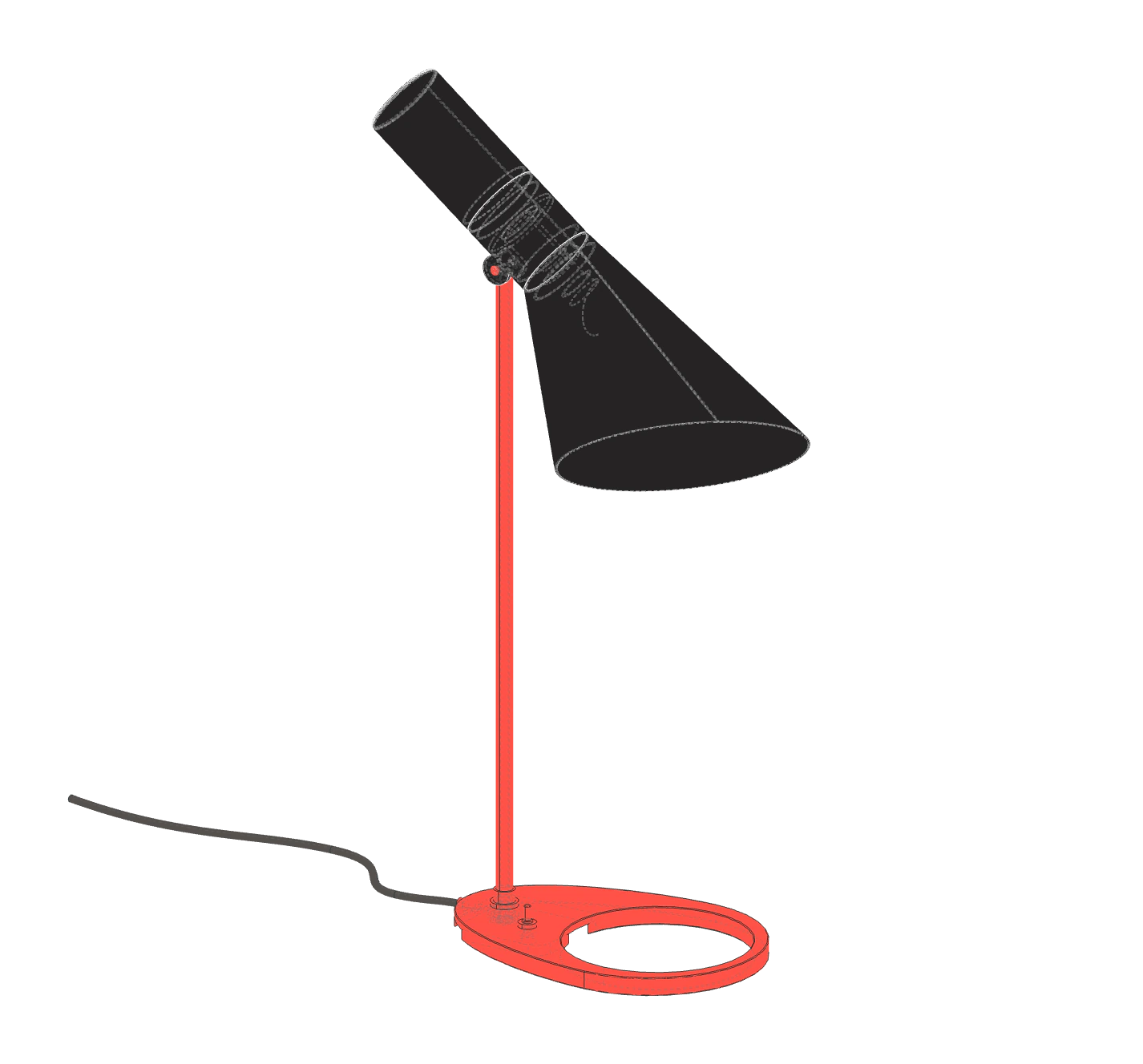
A small object exposes useful questions
The current public product-design download is a lamp study. A compact object is a practical place to examine shape, orientation and component relationships before moving to a larger scene.
Read the silhouette and proportions first. Then inspect where the shade, stem and base meet. An appealing image does not establish wall thickness, electrical safety, a manufacturing method or an approved connection detail. Those are additional design requirements.
Compare representations with a purpose
The supplied 3DM and STL files represent the same published example in different formats. Use 3DM when you want to inspect what geometry and object organisation the document contains. Use STL when your next tool expects a triangular surface mesh.
Open each file with explicit units and compare the bounding dimensions. The downloadable 3DM uses metres, while the STL uses millimetres. A thousandfold size discrepancy usually calls for a unit check before any geometry is edited.
Turn observations into a brief
Write changes as a relationship between named parts: change the angle of a shade while keeping the base fixed, or adjust a dimension without moving the stem. Include an actual target measurement where fit matters.
Keep a copy of the downloaded study and record your changes separately. Use the preview waitlist to tell the Cartesian team which product-design workflow you want to explore.
Inspect the model
- Download 3DM · 0.7 MB metres · Z-up
- Download STL · 8.4 MB millimetres · Z-up
3DM coordinates are in metres; STL coordinates are in millimetres. These are design studies. Check geometry, dimensions and fabrication requirements before production.