Step-by-step
Guides
Practical steps to bring your ideas to life with FORMAS.AI.
All Guides
 Trimble SketchUp
Getting started with FORMAS.AI for Trimble Connect
Turn project images and 3D views into renders. Use a project image or capture a model view inside Trimble Connect for Browser. Your source model remains unchanged.
 Trimble SketchUp
Getting started with the FORMAS.AI SketchUp extension
Render a SketchUp view without leaving SketchUp. Explore lighting, materials and visual directions from your current view. Your original model remains unchanged.
 Apps
Apps: How to create a 360° panorama
Combine room photos into a 360° panorama with the Panorama 360 App. Use up to four views from the same position, add any instructions, then inspect the stitched result.
 Apps
Apps: How to remove clutter from a room photo
Clear loose objects or remove furniture from a room photo with the Declutter Space App. Choose what to remove, add any specific instructions, then review the edited room.
 Apps
Apps: How to upscale images
Enlarge a render or photo with the Upscale Image App. Choose a scale factor, generate the larger image, then check the result against the original.
 Apps
Apps: How to sharpen images
Sharpen a soft render or photo with the Sharpen Image App. Choose an enhancement mode and output size, then compare the result with your original.
 Workflows
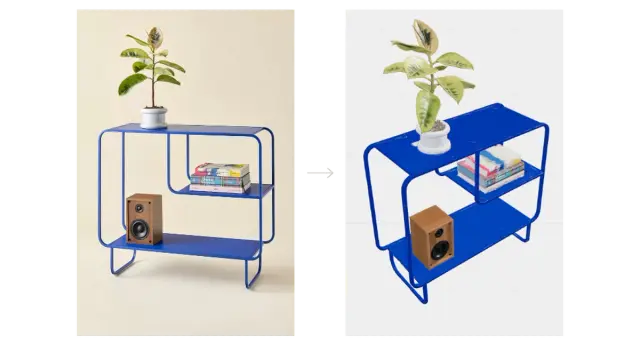
How to turn a furniture image into a 3D model
Turn a furniture reference image into a 3D model using Freeform Studio or Design Chat. Choose a conversion model, generate a first result, then check the shape and materials against your source image.
 Apps
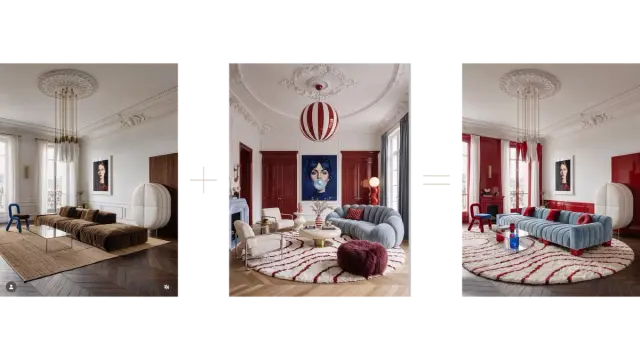
Apps: How to restyle an image with Style Transfer
Use the Style Transfer app to explore a different visual style for an existing image. Choose a preset or upload a reference, add instructions for details you want to retain, and compare the result with your original.
 Apps
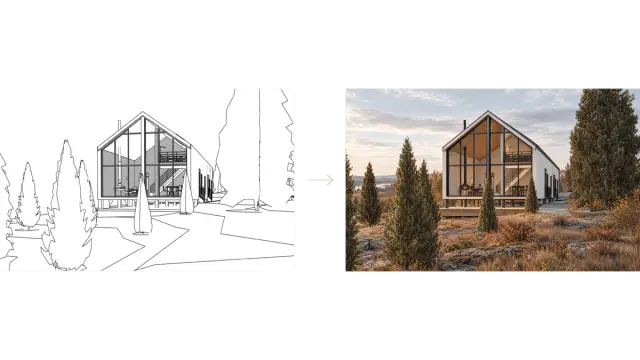
Apps: How to render 3D model screenshots
Use the Screenshot 3D to Render app to turn model screenshots into architectural renders. Upload your views, choose an output size, and add a style reference or short instructions when needed.
 Workflows
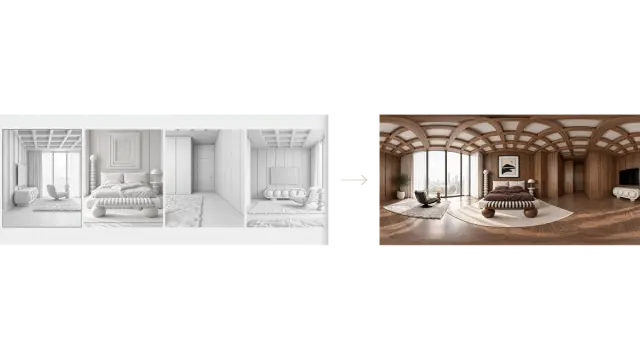
Create a Realistic 360° Panorama from 4 Images
Turn four views of the same room into a 360° panorama with FORMAS.AI. This example uses white renders, material references and Smart Notes to develop a consistent interior concept, then connects the views for panorama generation.
 Workflows
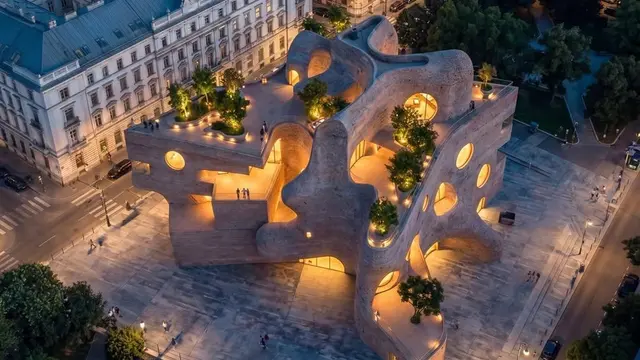
How to turn one architectural image into a short video
Use the Concept to Reality template in Video Shots to create a short architectural film from one image. Follow this example to upload your reference, review the template prompt, choose your settings and generate a 10-second video.
 Workflows
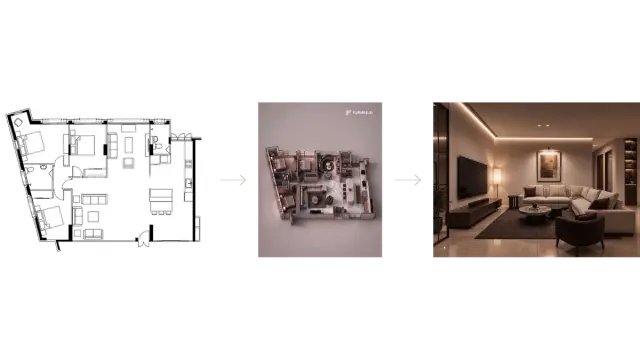
How to turn a floor plan into interior renders
Use a floor-plan image to develop a rendered plan and an interior perspective. Supply the materials and atmosphere you want, then check each generated view against the original layout.
 Workflows
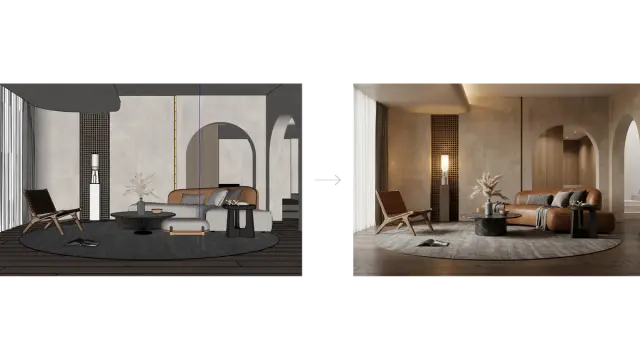
How to turn a 3D model screenshot into a realistic render
Turn a screenshot of your 3D model into a realistic architectural render. This example starts with a SketchUp view; you can also use a clear image exported from Rhino, Revit, Vectorworks or another modelling tool.
 Workflows
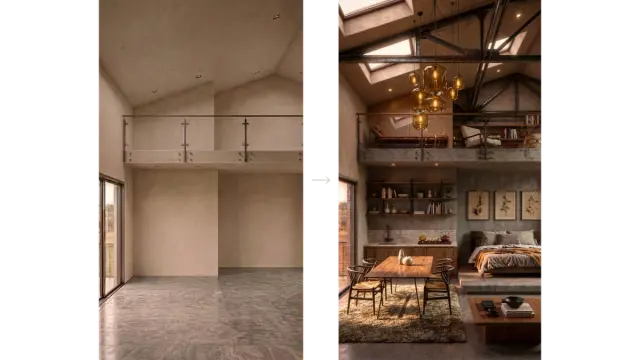
How to turn an empty room photo into a furnished interior
Upload an empty-room photo, describe the furniture and finishes you want, and generate a furnished concept. Then refine individual areas or add a specific furniture reference.
 Workflows
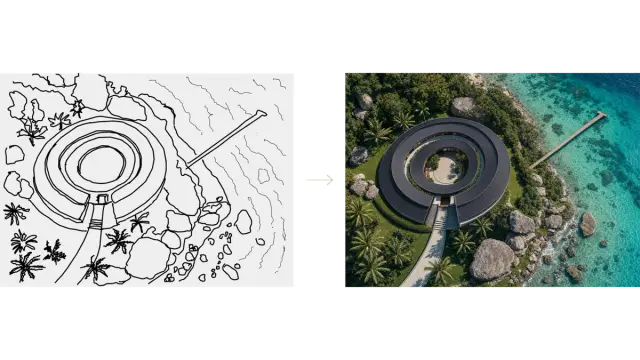
How to turn a hand sketch into a realistic visualization
Turn a sketch into an architectural visualization using Freeform Studio. Upload an existing sketch or draw directly on the canvas, add a few design notes, and generate a first result.
 Workflows
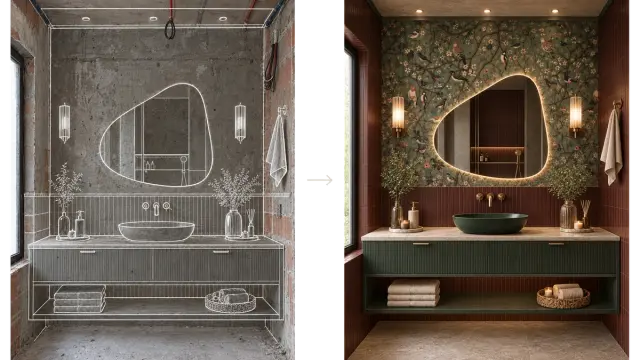
How to redesign a room by sketching over a photo
Sketch your design ideas directly over a room photo, then turn them into a realistic interior concept. This example develops an unfinished bathroom using a sketch, product references and Smart Notes.
 Workflows
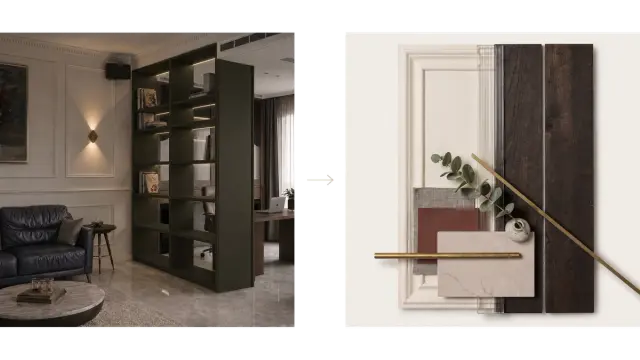
How to create a custom material moodboard template
Build a reusable style template that turns interior images into material moodboards. Start with moodboard references, test the template on a project image, and reuse it for another room.