



Point at it, sketch it, or just say it
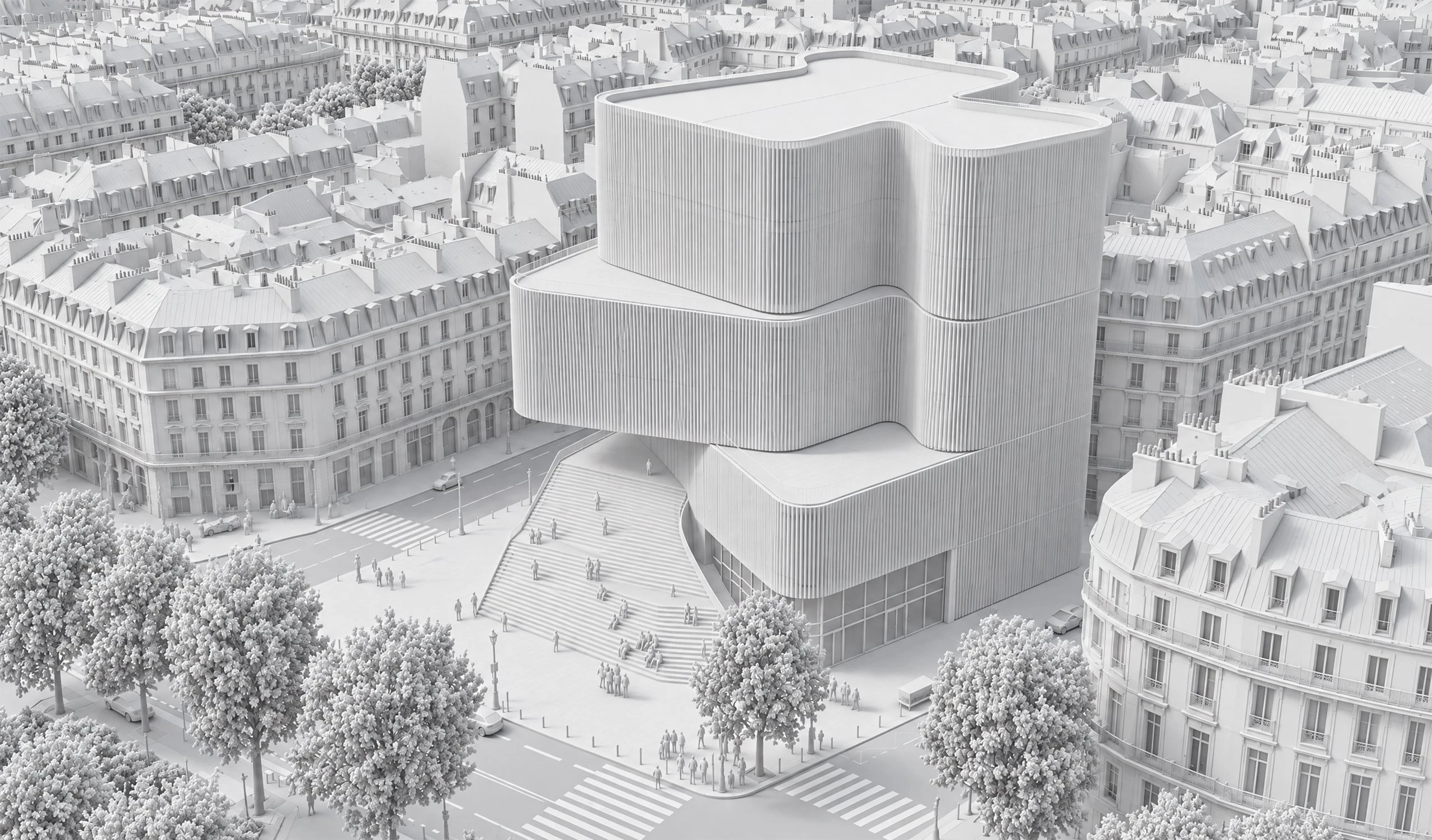
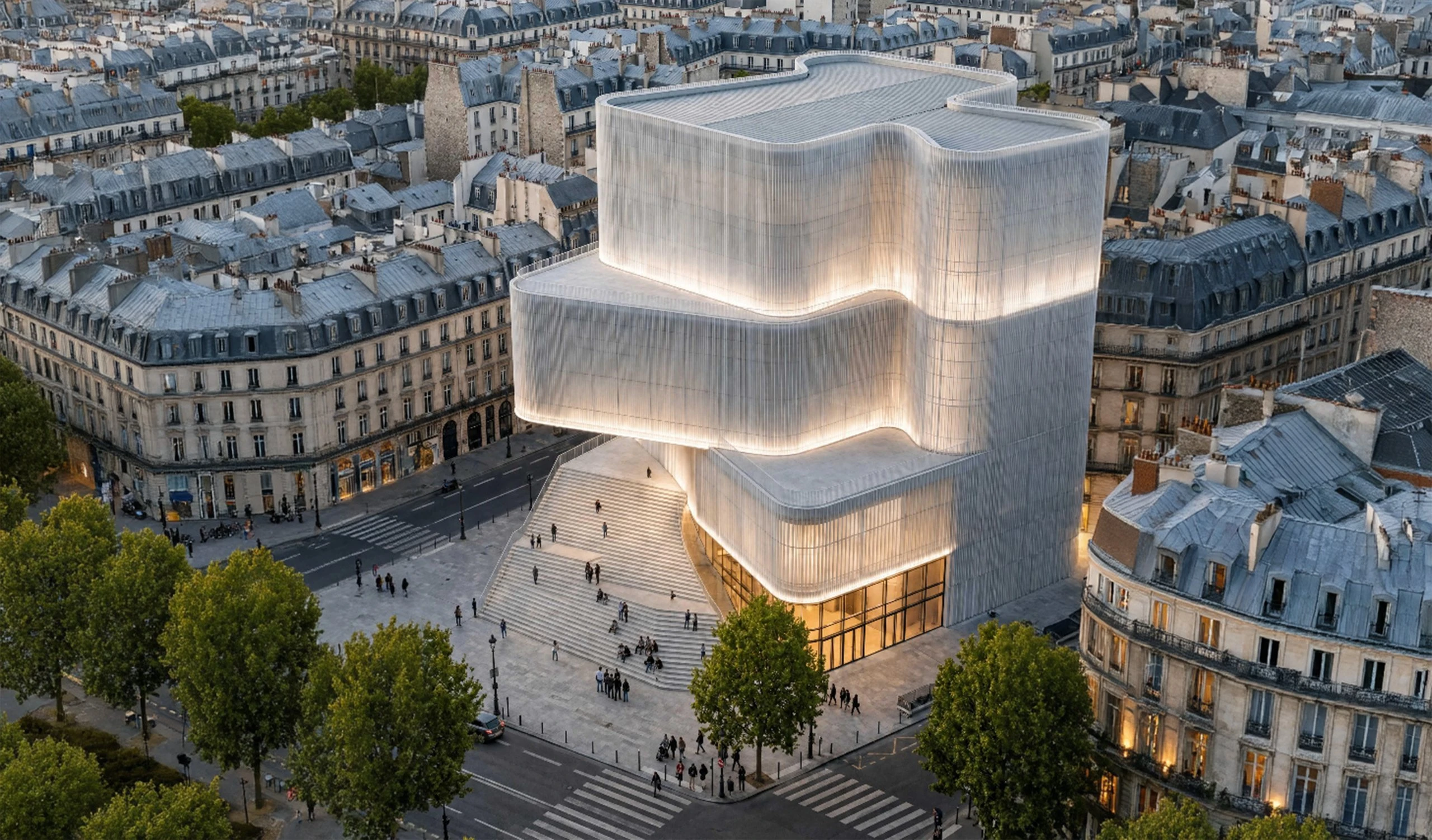
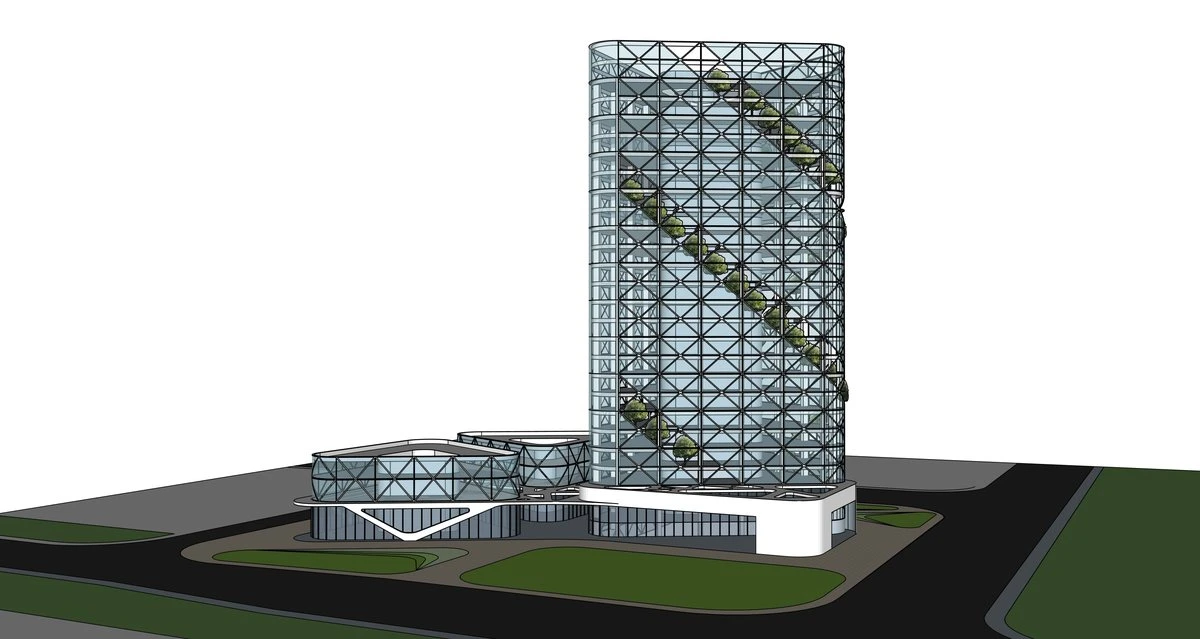
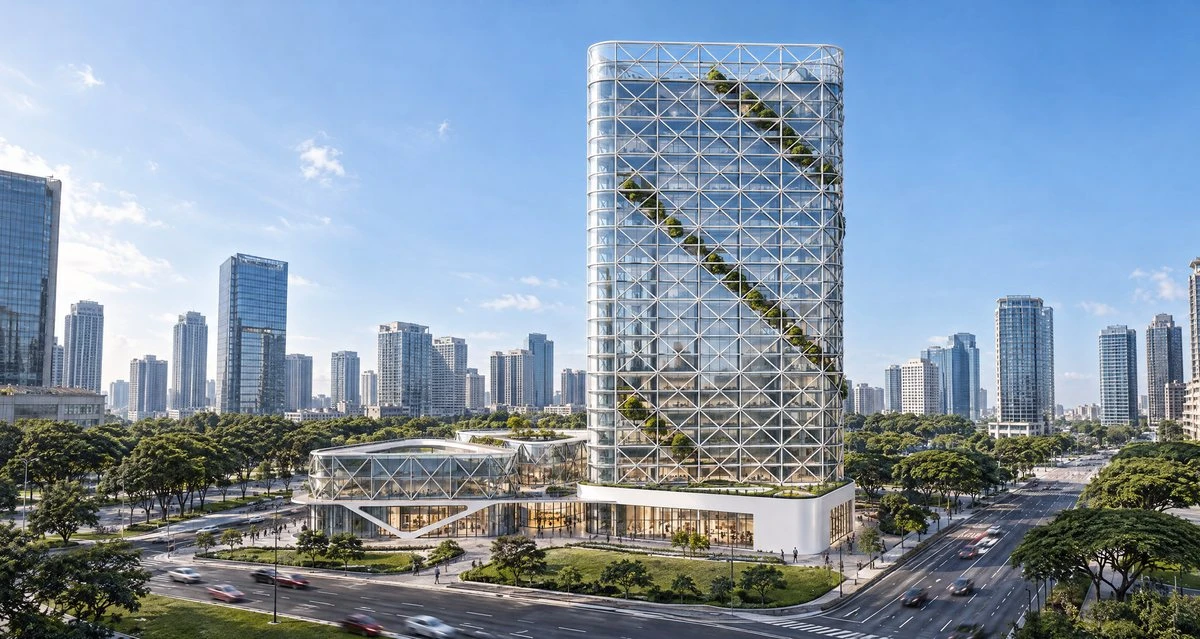
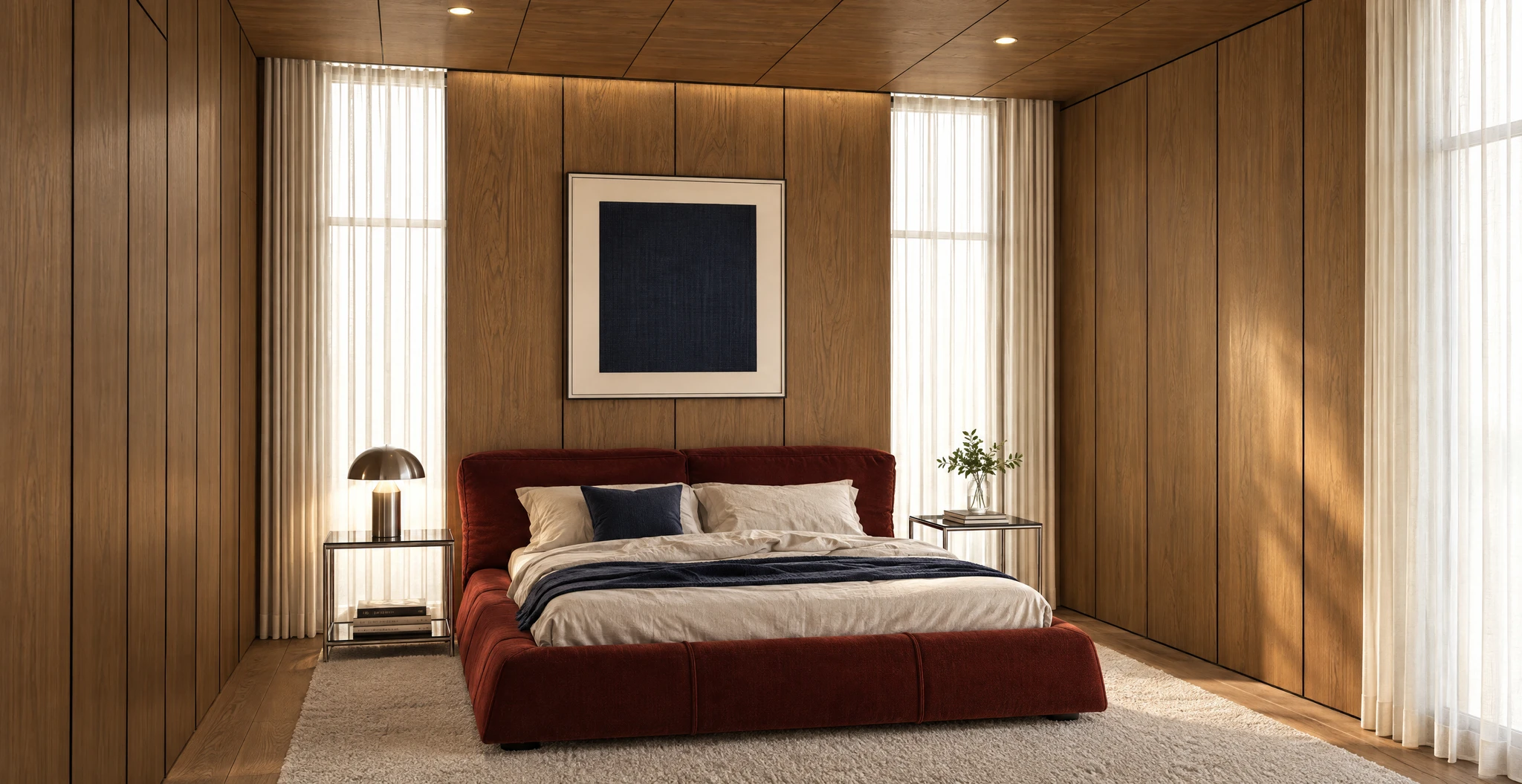
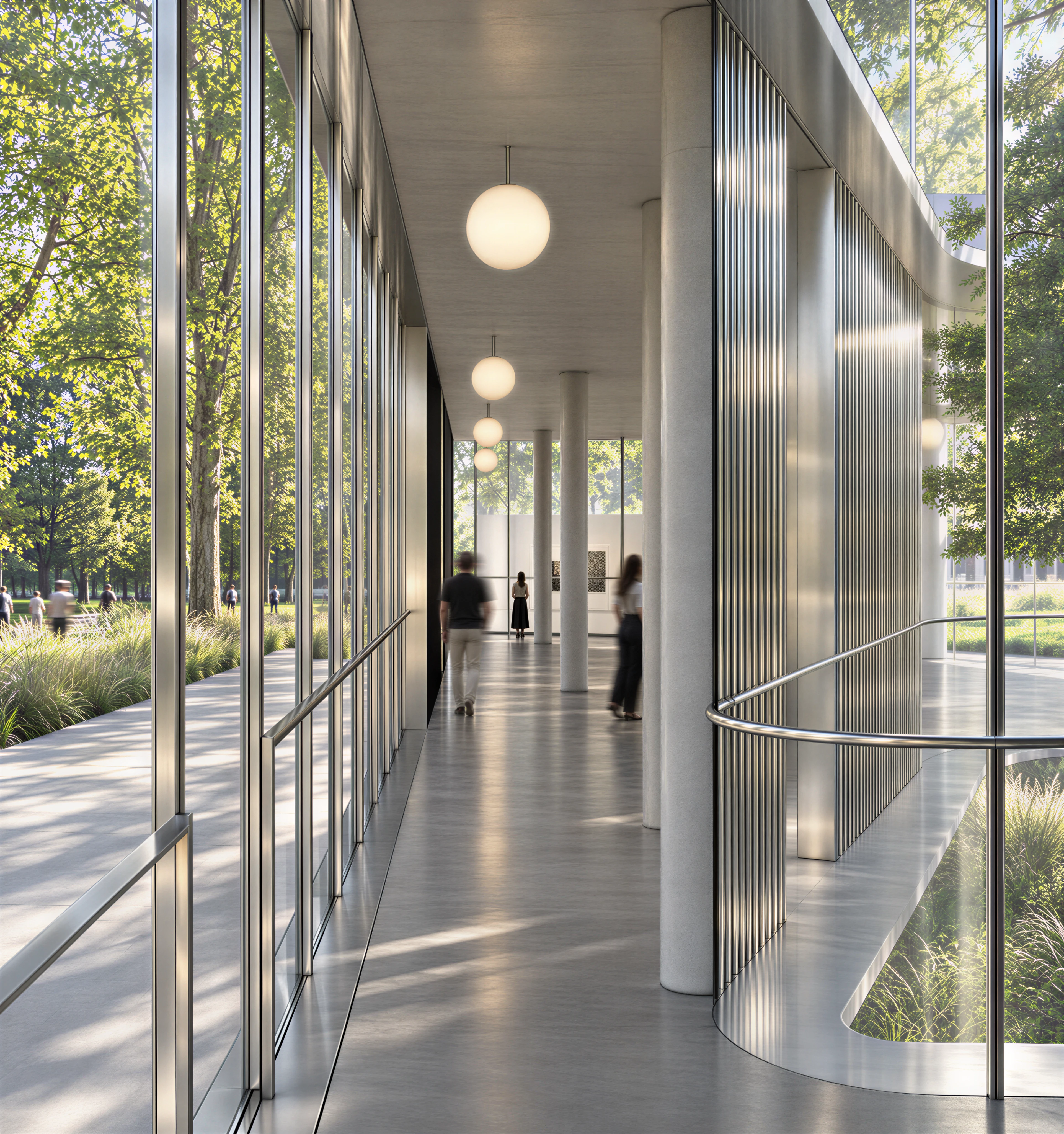
Interior design in SketchUp, floor plans in Trimble Connect. Each one sent to FORMAS from the view the designer already had, with nothing remodelled or exported.
Interiors, floor plans and buildings
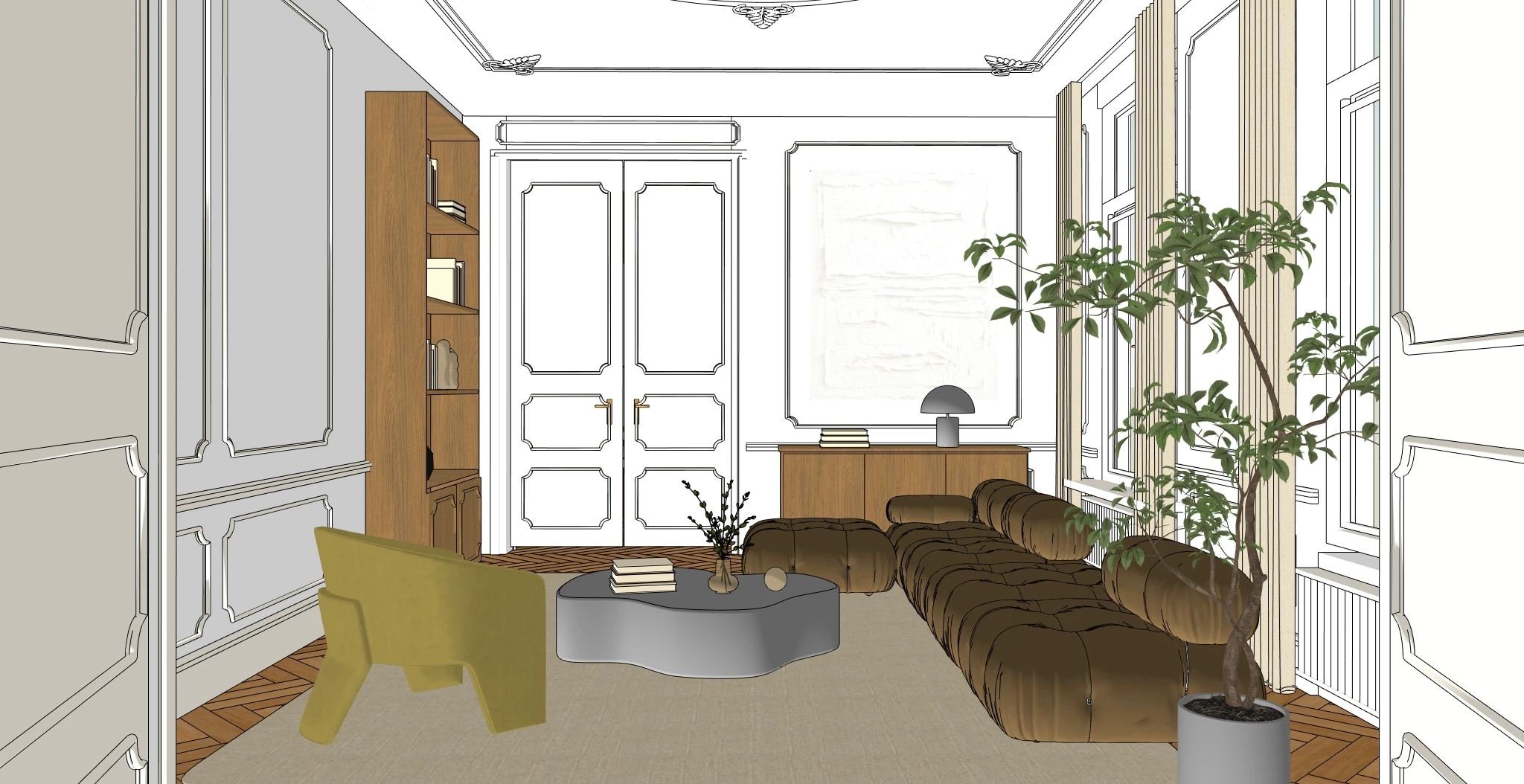
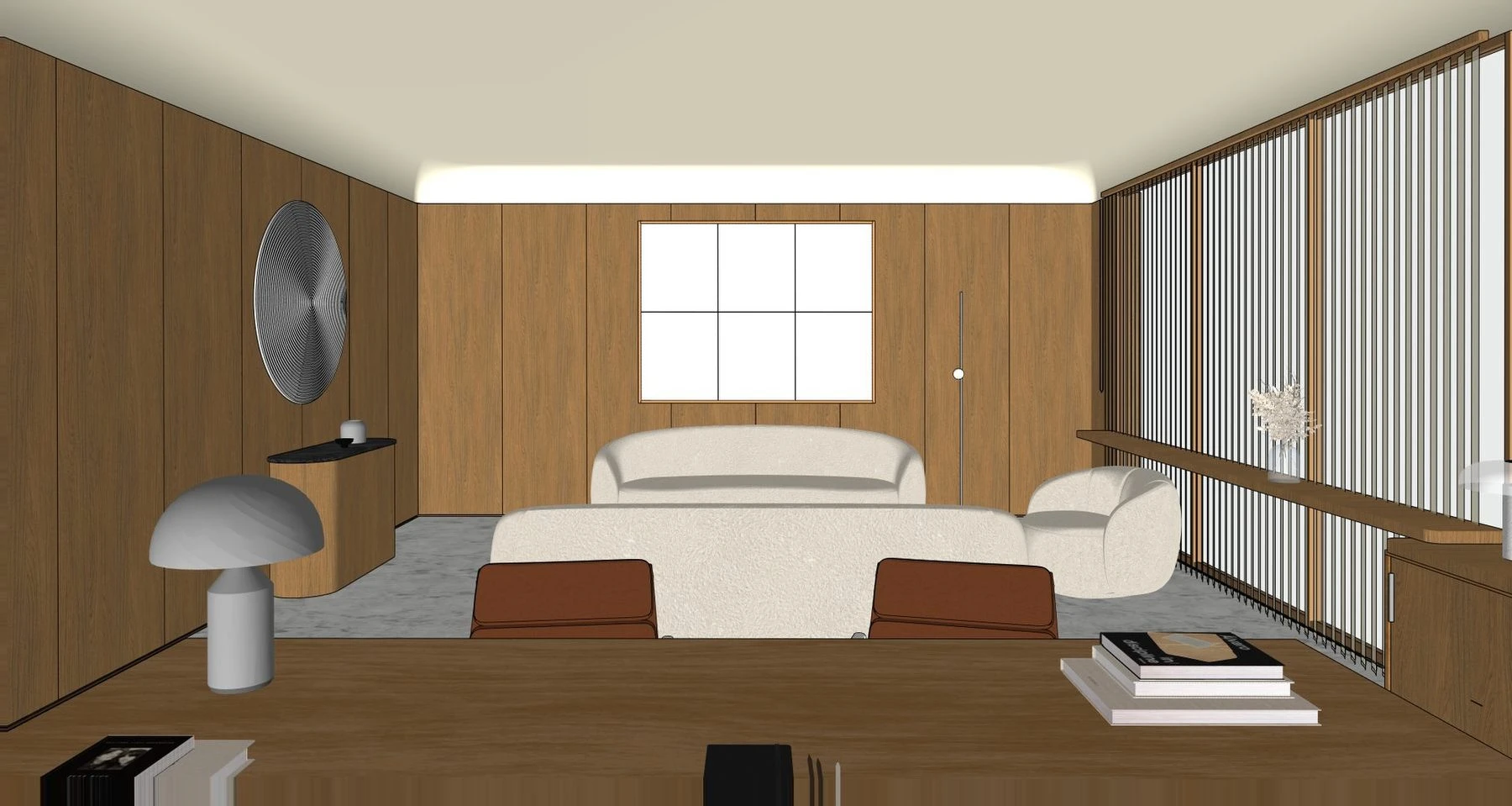
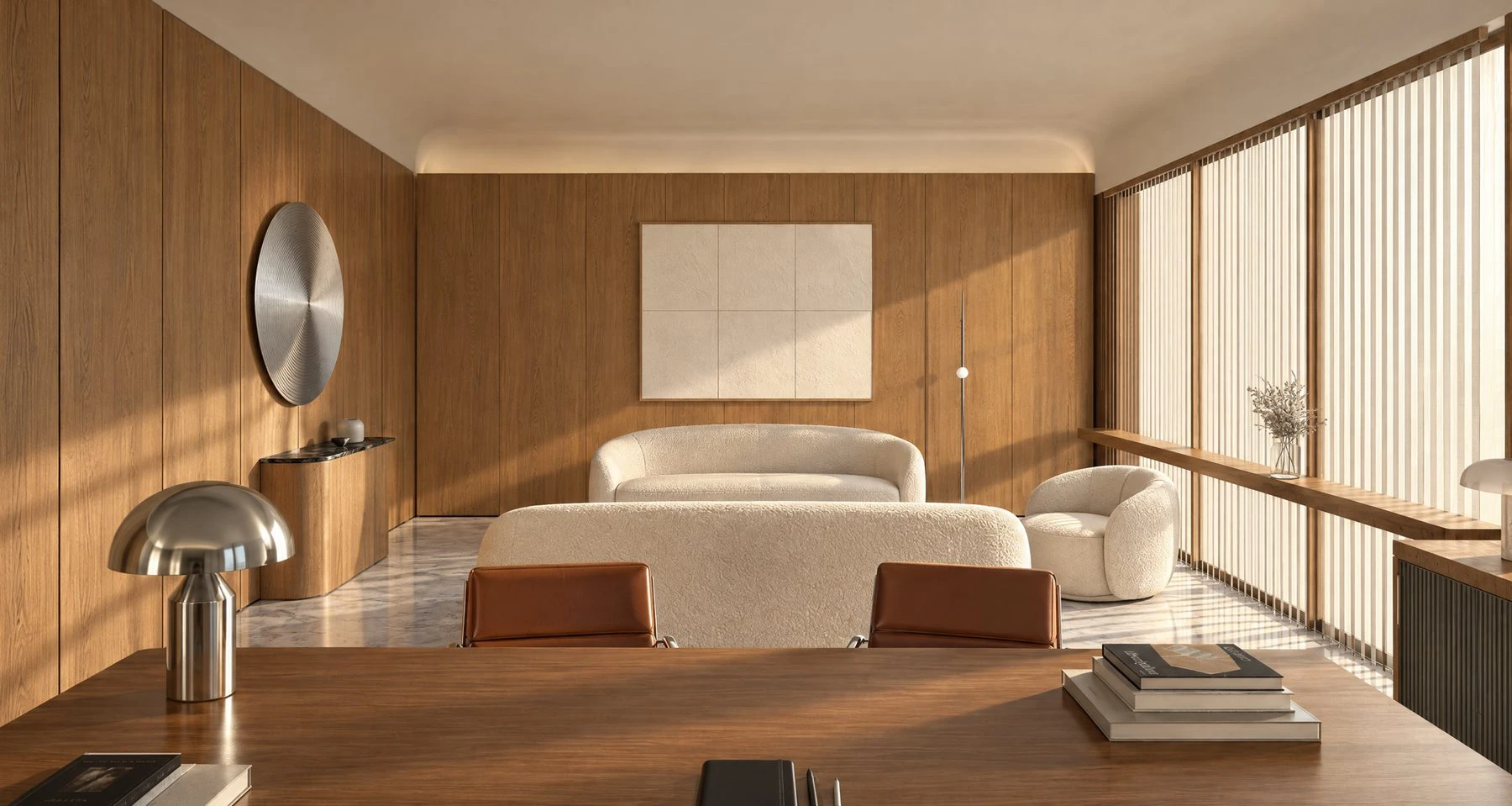
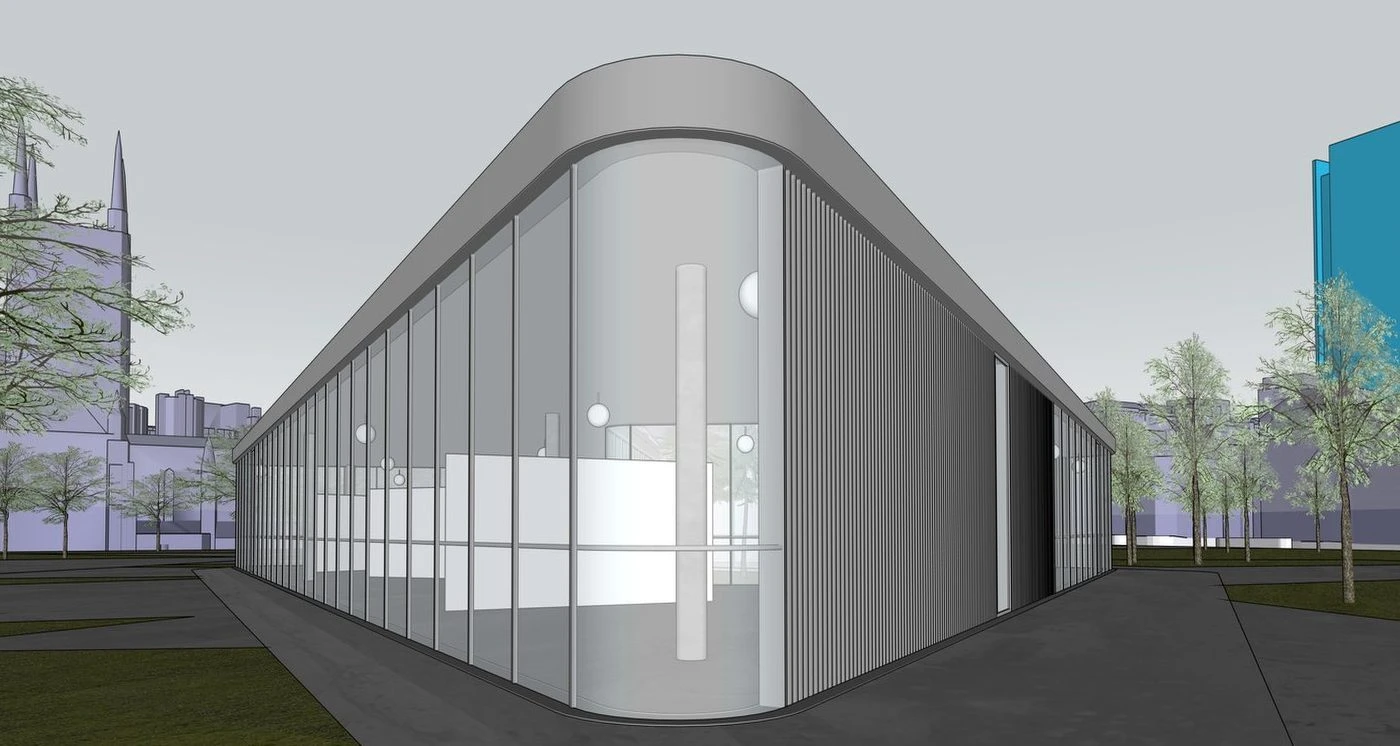
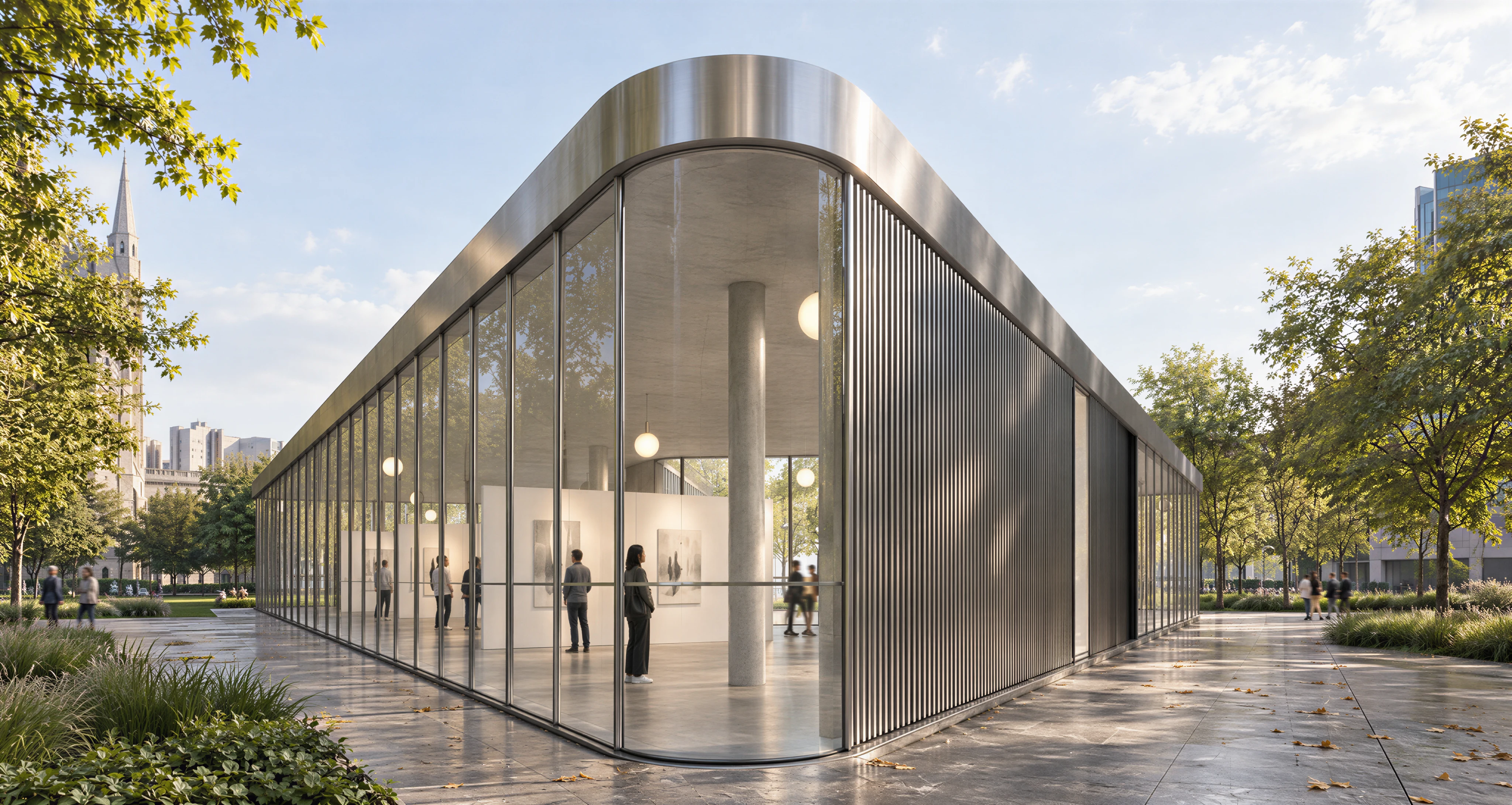
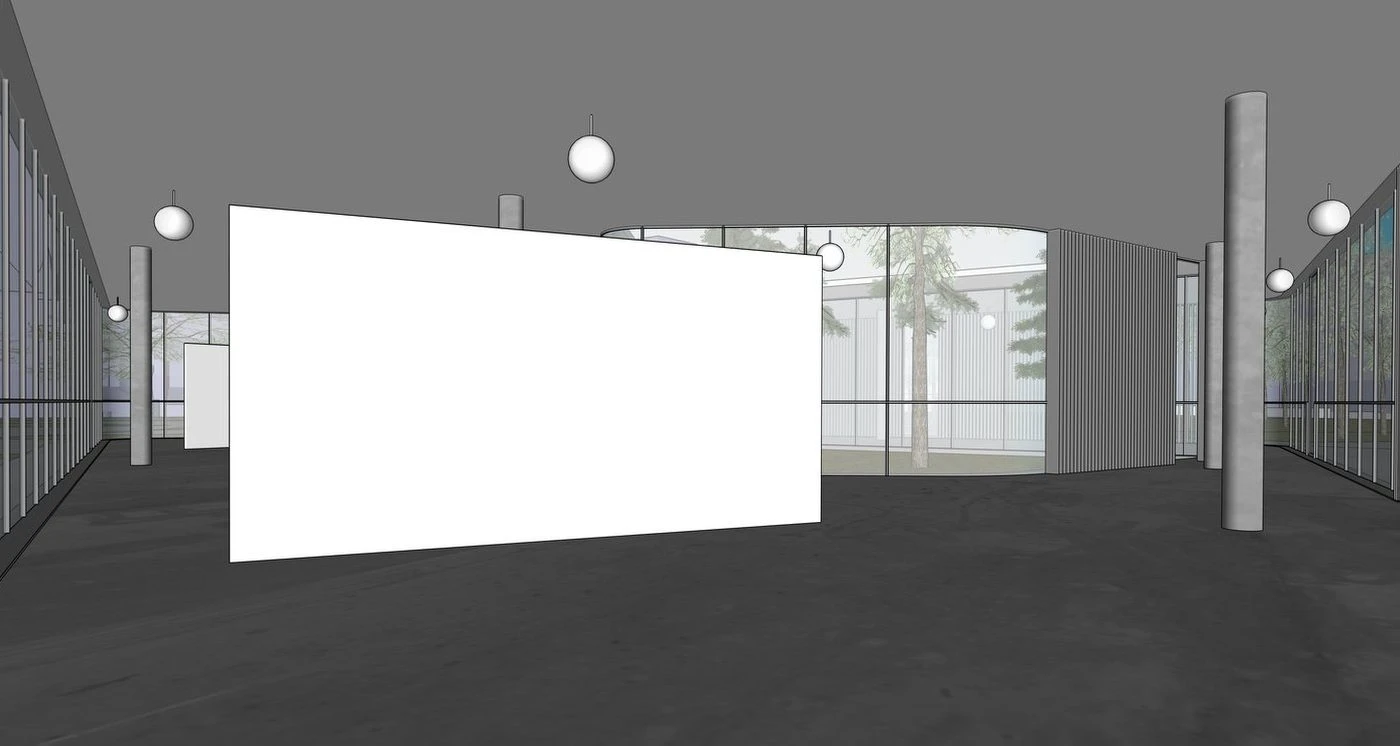
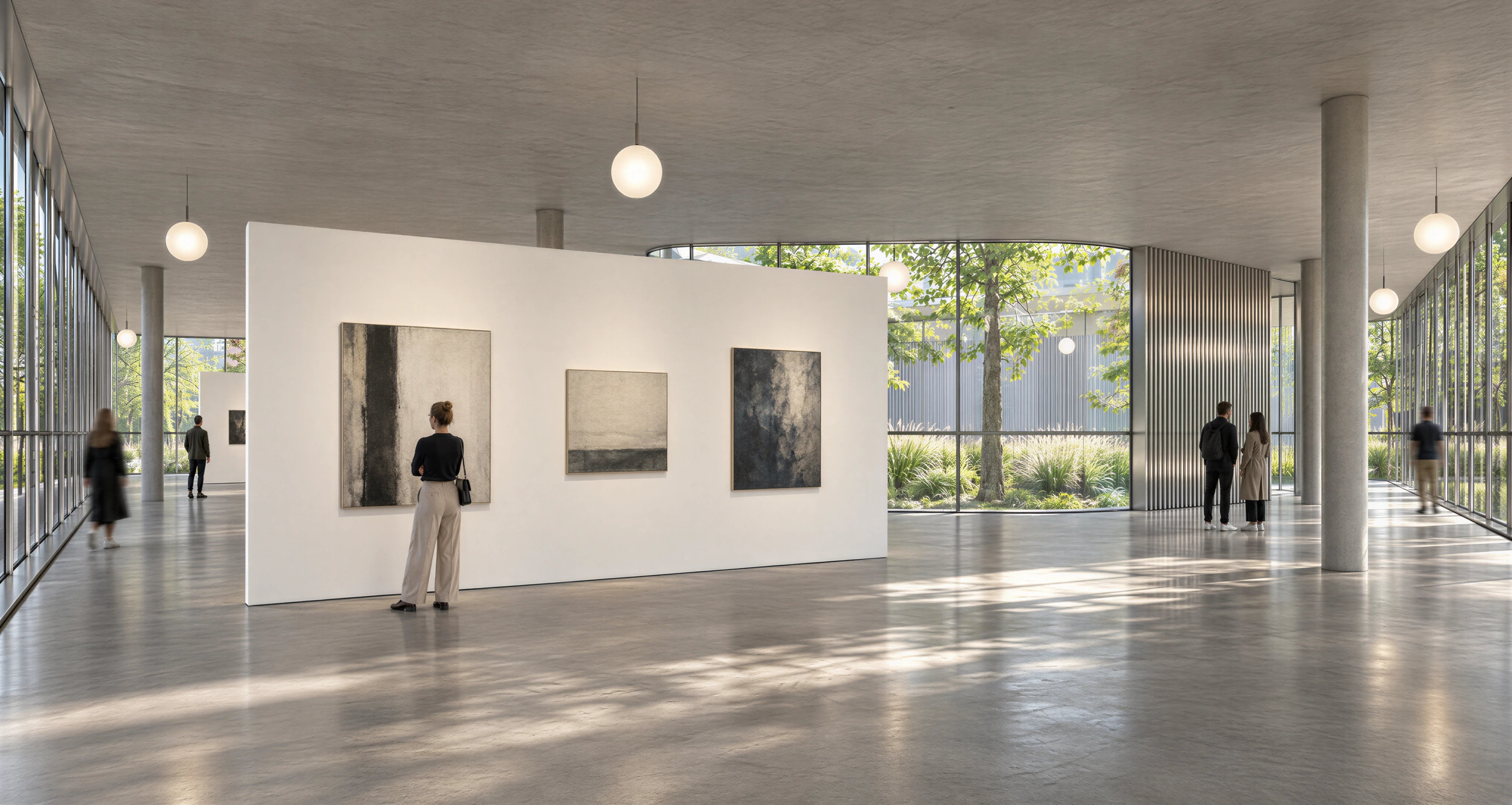
 SketchUp model
 Daylight
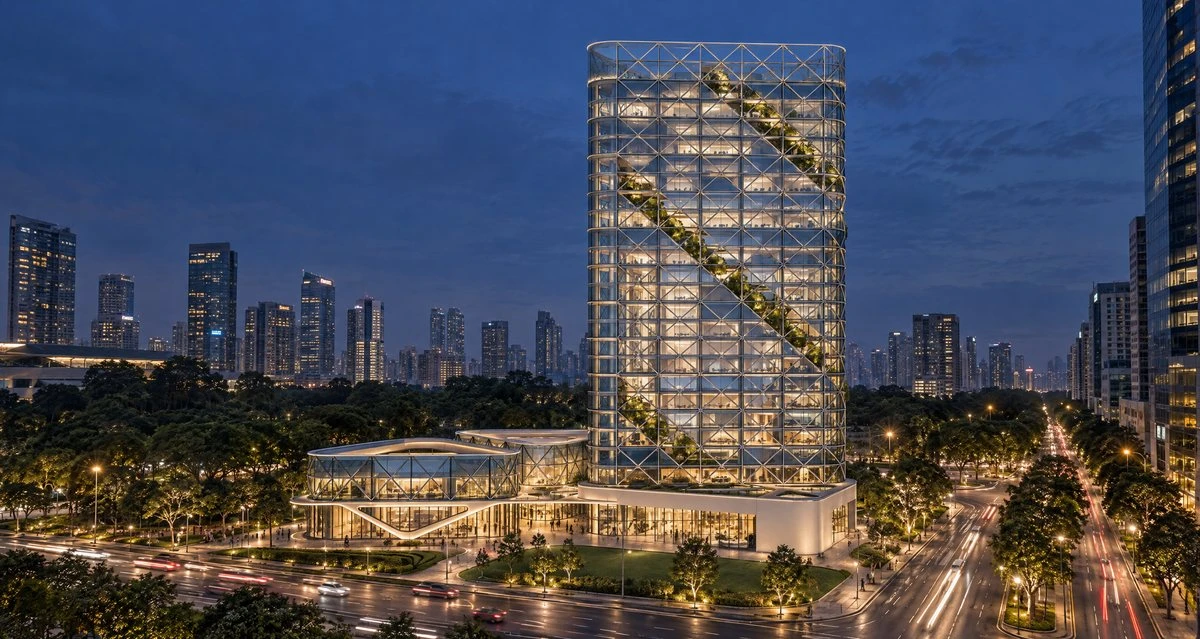 Night
 Golden hour
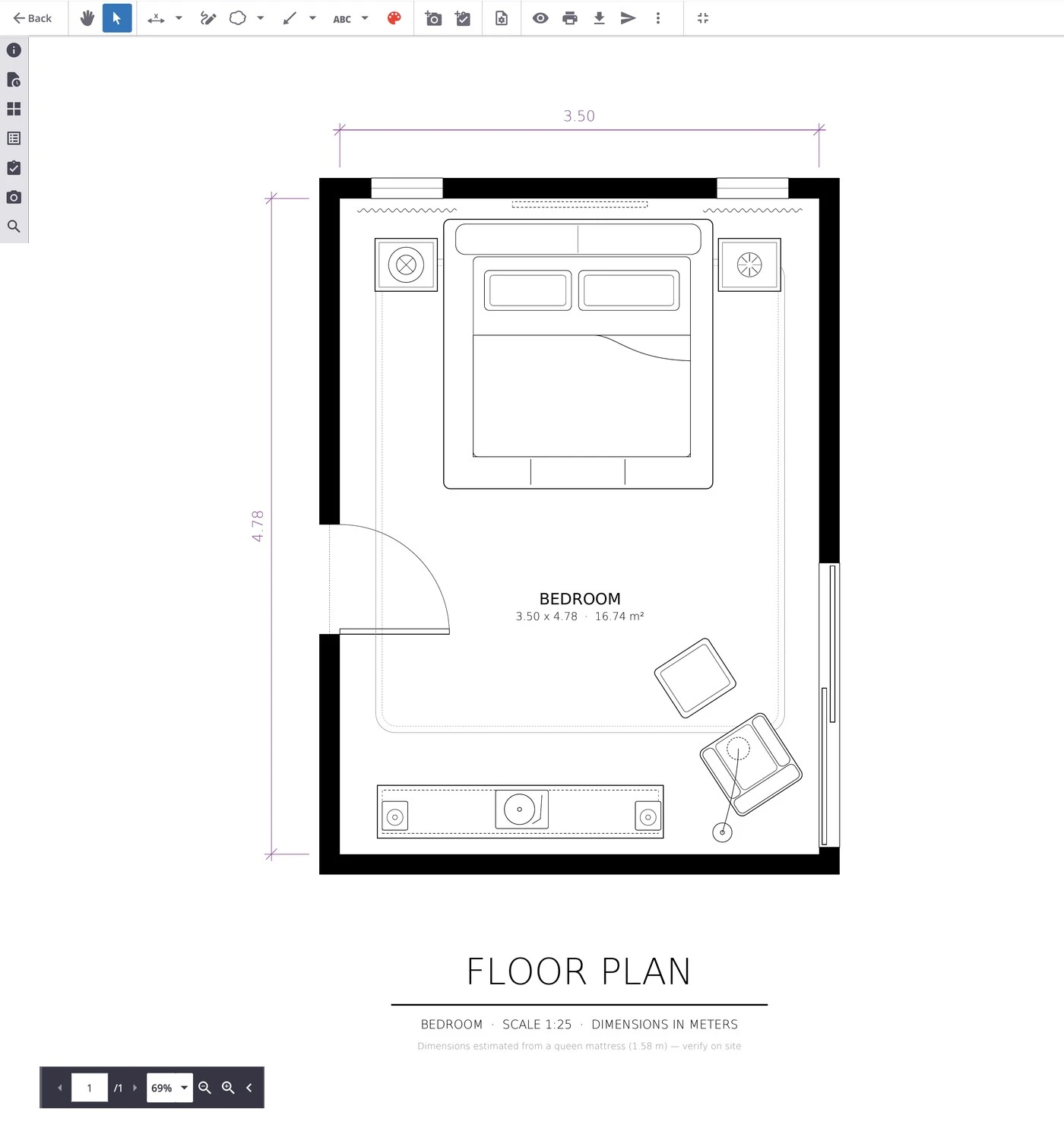 Trimble Connect
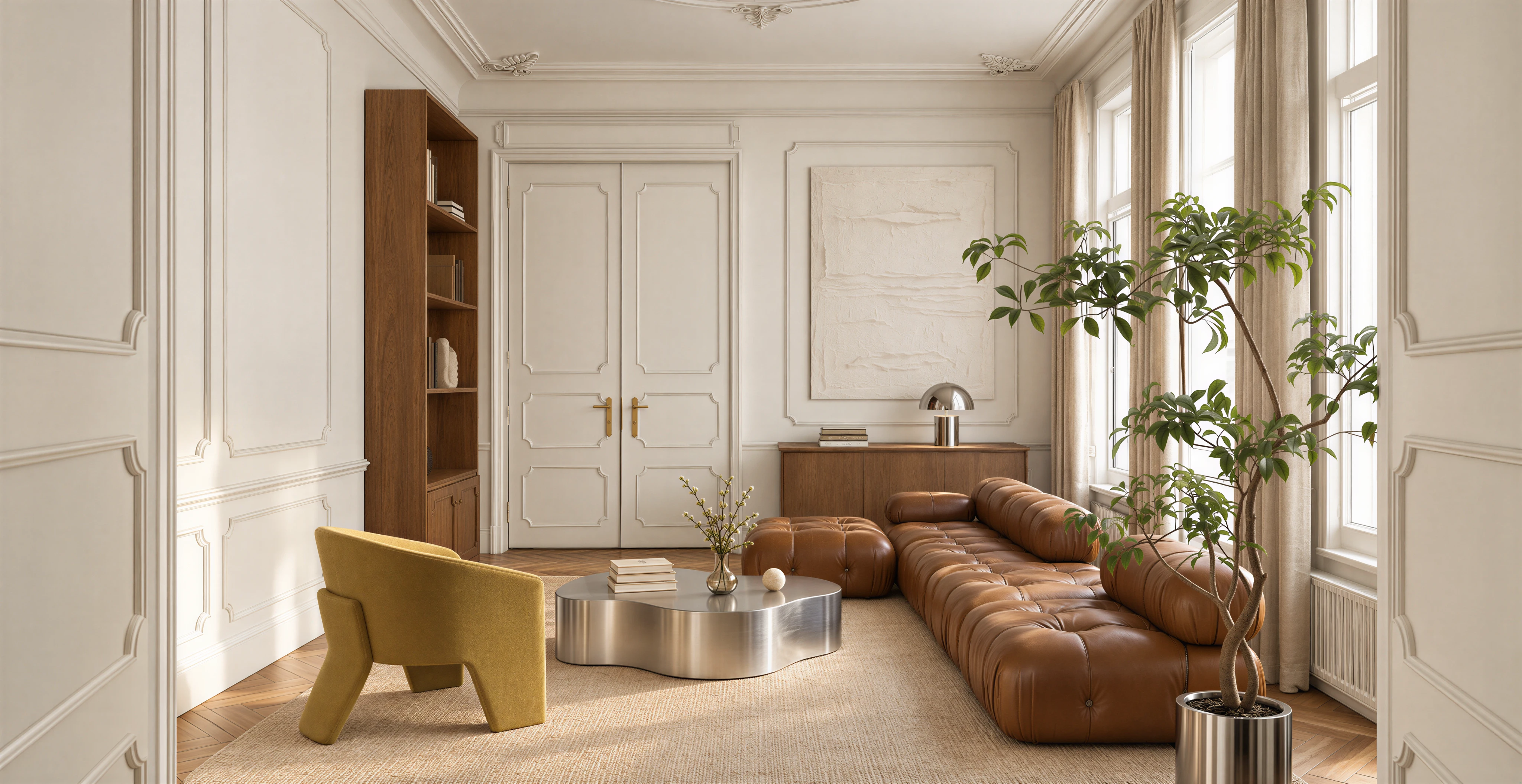
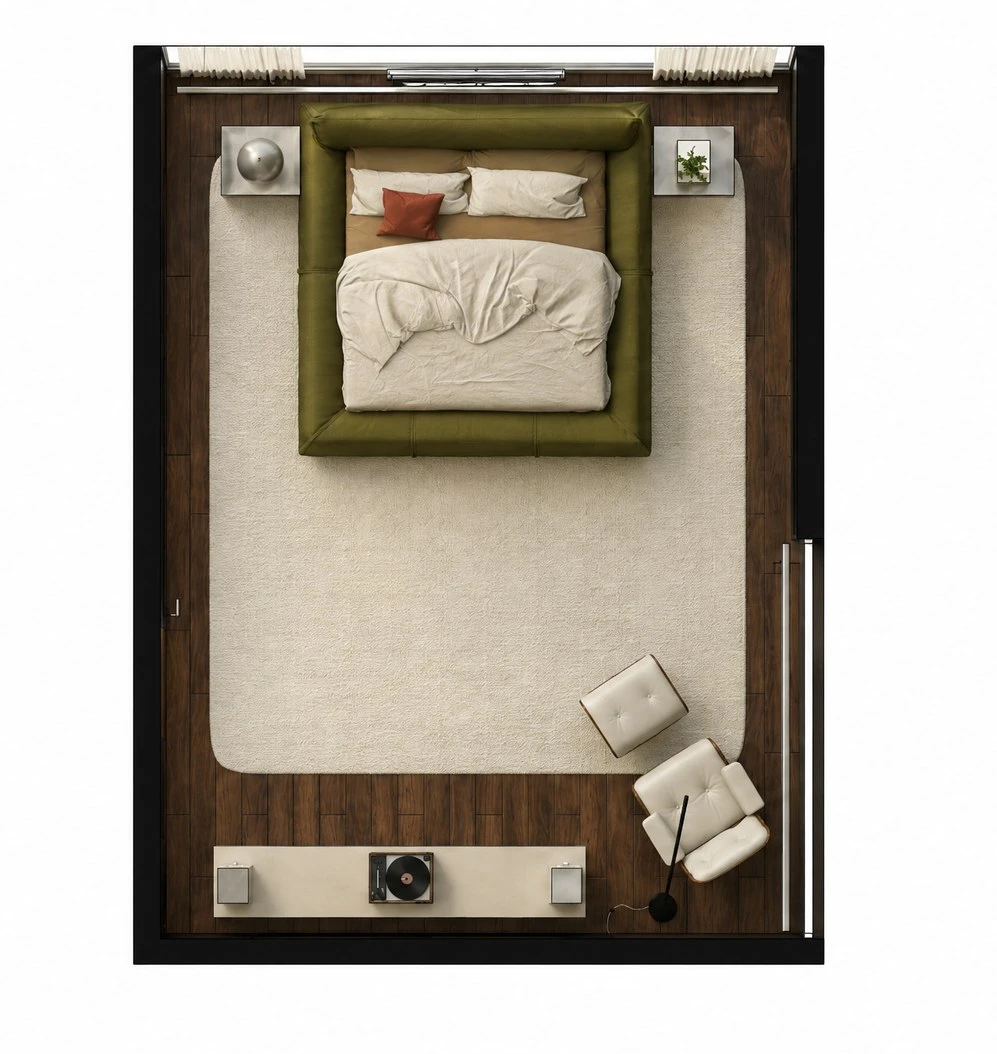 FORMAS render
From install to first render, in three steps
- 01
Install from the Extension Warehouse
Search “FORMAS.AI”, open the listing and click Download. Then open Extension Manager in SketchUp to finish the install.
- 02
Sign in once
Use your FORMAS account, or create one. The same account works on the web, in SketchUp and in Trimble Connect.
- 03
Describe it, render it
Pick a view, describe the light and materials you want, and press Render. You keep modelling while it works.
- 01
Request access through the Trimble Partner Marketplace
Open the FORMAS listing and select “Contact Us” to request access through the marketplace form.
- 02
Sign in once
Use your FORMAS account, or create one from the panel inside Trimble Connect.
- 03
Send the 3D view
Render, refine or animate in FORMAS. Results are saved back to the Connect project.
What changes when FORMAS sits inside your tool
Finish proposals faster
ProposalsRealistic renders from the view you already have, described in a sentence.
Changes where you want them, how you want them
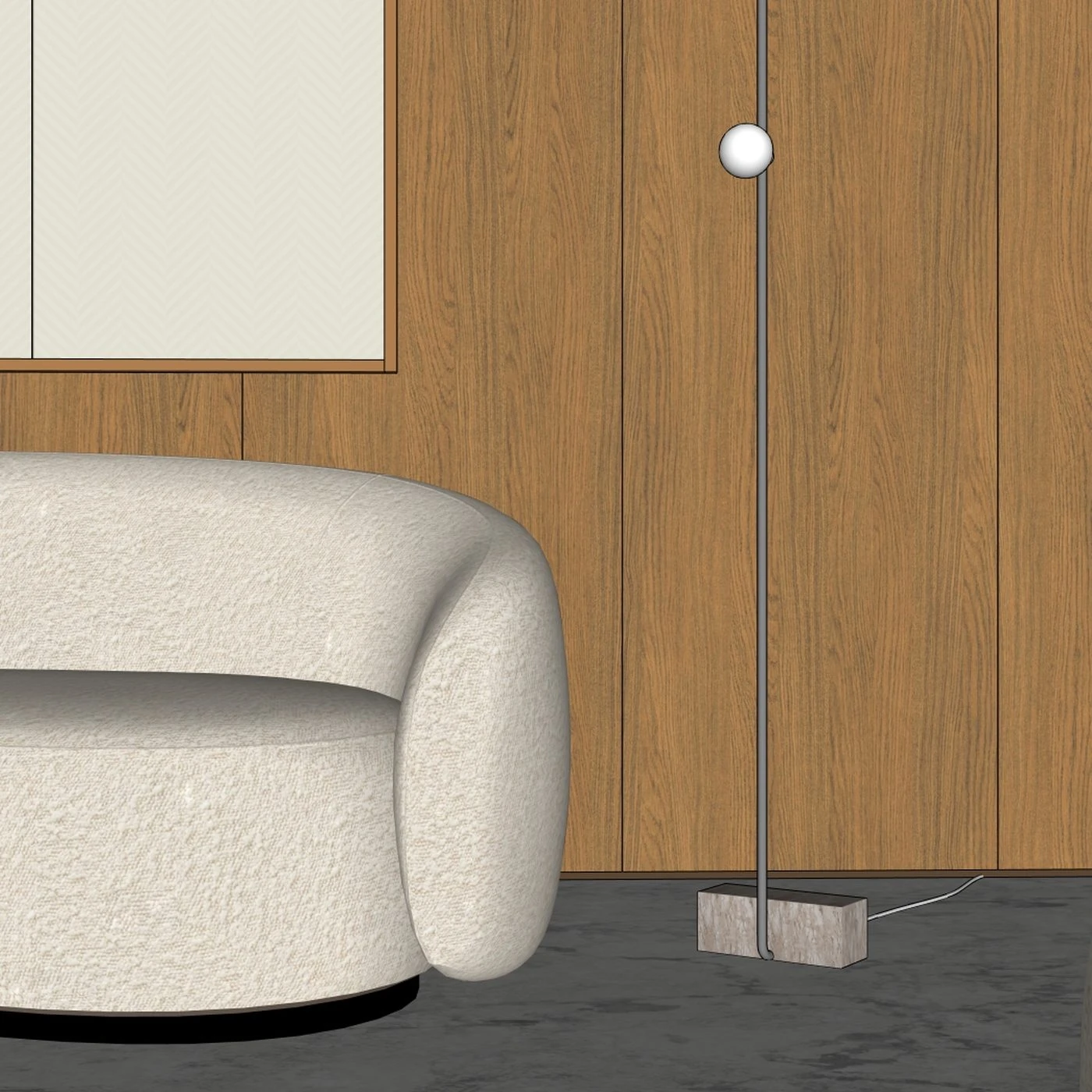
Location-based promptingWhen clients ask for changes, pin a note exactly where it goes: the same sofa in cognac leather, a warmer rug. The rest of the image stays as it is.
Show clients what you mean
Instant NarrativesImages that read as finished explain the idea to clients without a walkthrough.
Keep your geometry and materials
Your model is safeFORMAS works from a captured view. Your model stays exactly as you built it.

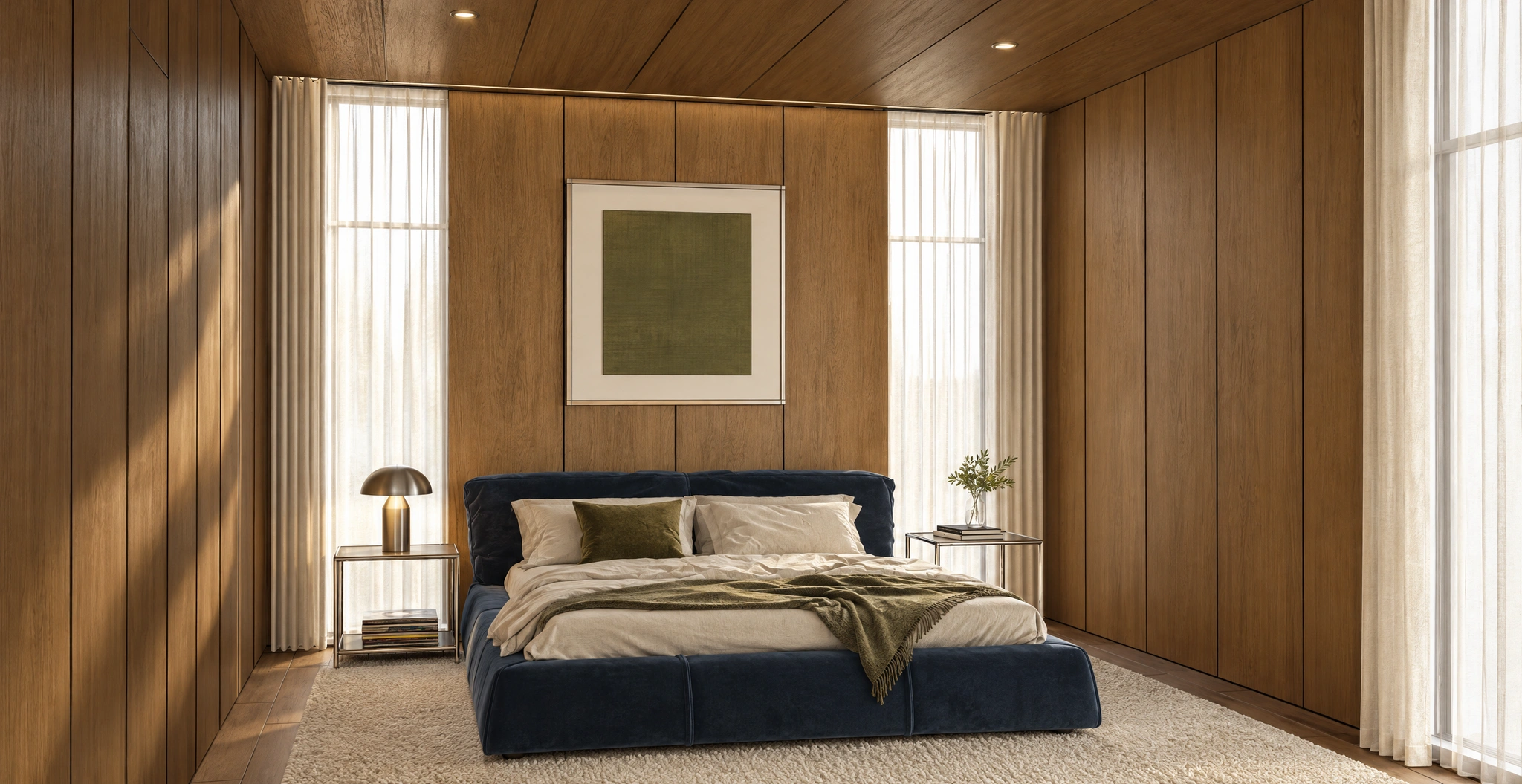
 Cognac leather sofa
Polished chrome lamp
White textured artwork

Every FORMAS studio, one panel from your model
Open the panel next to your model and move between studios without exporting a file.
- Freeform Studio
3D model to image
Send a view of your model and get a photoreal render, with control over style and materials.
- Pinned notes
Change one spot
Pin a note where the change goes. The rest of the image stays as it is.
- Instant Narratives
Static to motion
Short films and construction timelapses from one still.
- Design Chat
Talk design
Ask for options, critiques and next steps on the view you sent.
Two extensions, one FORMAS account
Install each one from your tool’s own library and sign in with the same FORMAS account.

FORMAS for SketchUp
Desktop extension
- Runs in
- SketchUp desktop, as a docked panel
- Requires
- SketchUp 2024 or newer
- Install from
- SketchUp Extension Warehouse
- Results
- In your FORMAS workspace
- Price
- Free install · renders use FORMAS credits

FORMAS for Trimble Connect
Browser extension
- Runs in
- Trimble Connect for Browser, next to the 3D view
- Requires
- A Trimble Connect account
- Install from
- Trimble Partner Marketplace
- Results
- Saved back to your Connect project
- Price
- Free install · renders use FORMAS credits
Before your first render
Are the extensions free?
Yes. Installing either extension is free and needs no card. Renders use the credits on your FORMAS account. Free accounts include credits to start, and paid plans add more. See plans
Do I need a FORMAS account?
Yes. One account works in both extensions and on the web. Sign in once inside the extension, or create an account from the panel.
Which SketchUp versions are supported?
SketchUp 2024 and newer. The Extension Warehouse listing always shows the current compatibility.
Does FORMAS change my model?
No. FORMAS works from a captured view of your model. Your file stays exactly as you built it.
Does it work in Trimble Connect desktop?
FORMAS runs in Trimble Connect for Browser, next to the 3D view of your project.
Can I use the renders commercially?
Yes. Renders you create with FORMAS are yours to use in proposals, presentations and client work.
Something else on your mind? Write to support@formas.ai or ask in our Discord